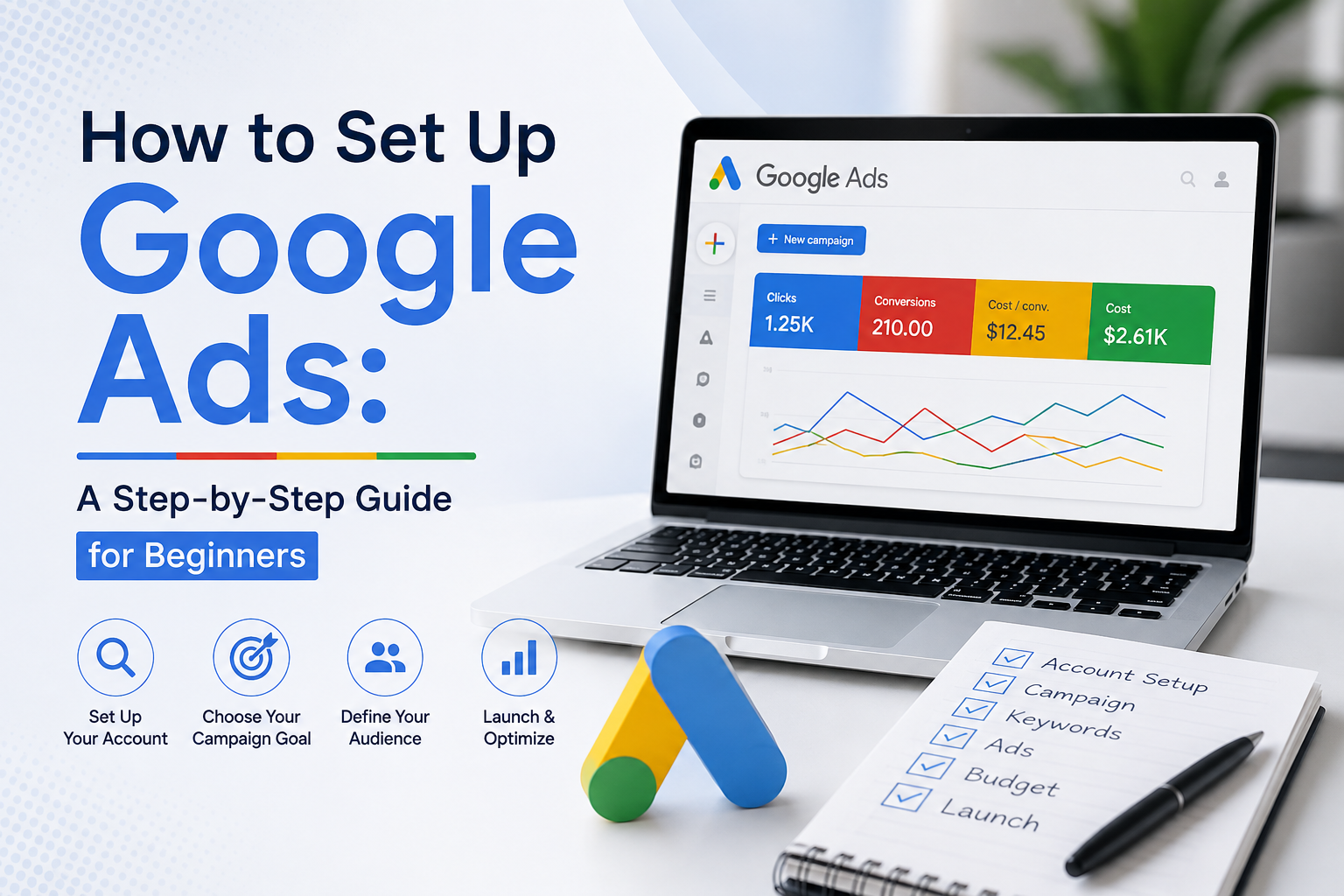

How to Set Up Google Ads: Someone paid for that top result.Here’s how you become that someone.
A start-to-finish walkthrough of launching a Google Ads campaign from zero: the auction mechanics, the keywords worth bidding on, a sane budget, and copy people actually click.
What Google Ads is, and how the auction actually works
Google Ads is a pay-per-click platform that places your ads on Search, YouTube, Gmail, and partner sites — you pay only when someone clicks or takes an action. Every search triggers a fresh, instant auction among advertisers bidding on that moment.
But it isn’t just about who bids the most. Google calculates Ad Rank: your bid combined with your Quality Score — a rating of expected click-through rate, ad relevance, and landing page experience. A sharp, relevant ad from a small business can genuinely outrank a competitor with a much bigger budget and lazy targeting.
Strategy beats budget size, almost every time.
Try the auction yourself
Drag your bid and Quality Score to see how Ad Rank responds. This is the exact formula deciding who wins the slot above you right now.
Setting up a campaign, step by step
You create an account, pick an objective and campaign type, define audience and location, set a budget, choose keywords, and write two or three ad variations before submitting for review. Simple advertisements pass review within one business day while finance, health, and alcoholic beverages undergo more rigorous scrutiny.
Step 1 — Define the goal before touching anything
Google asks for a goal on day one: Sales, Leads, Website Traffic, App Promotion, Awareness, or Local Store Visits. This choice shapes every recommendation that follows. Provide specifics — “20 quotation requests per month below $30 each.”. “Get more customers” is not.
Step 2 — Choose your campaign type
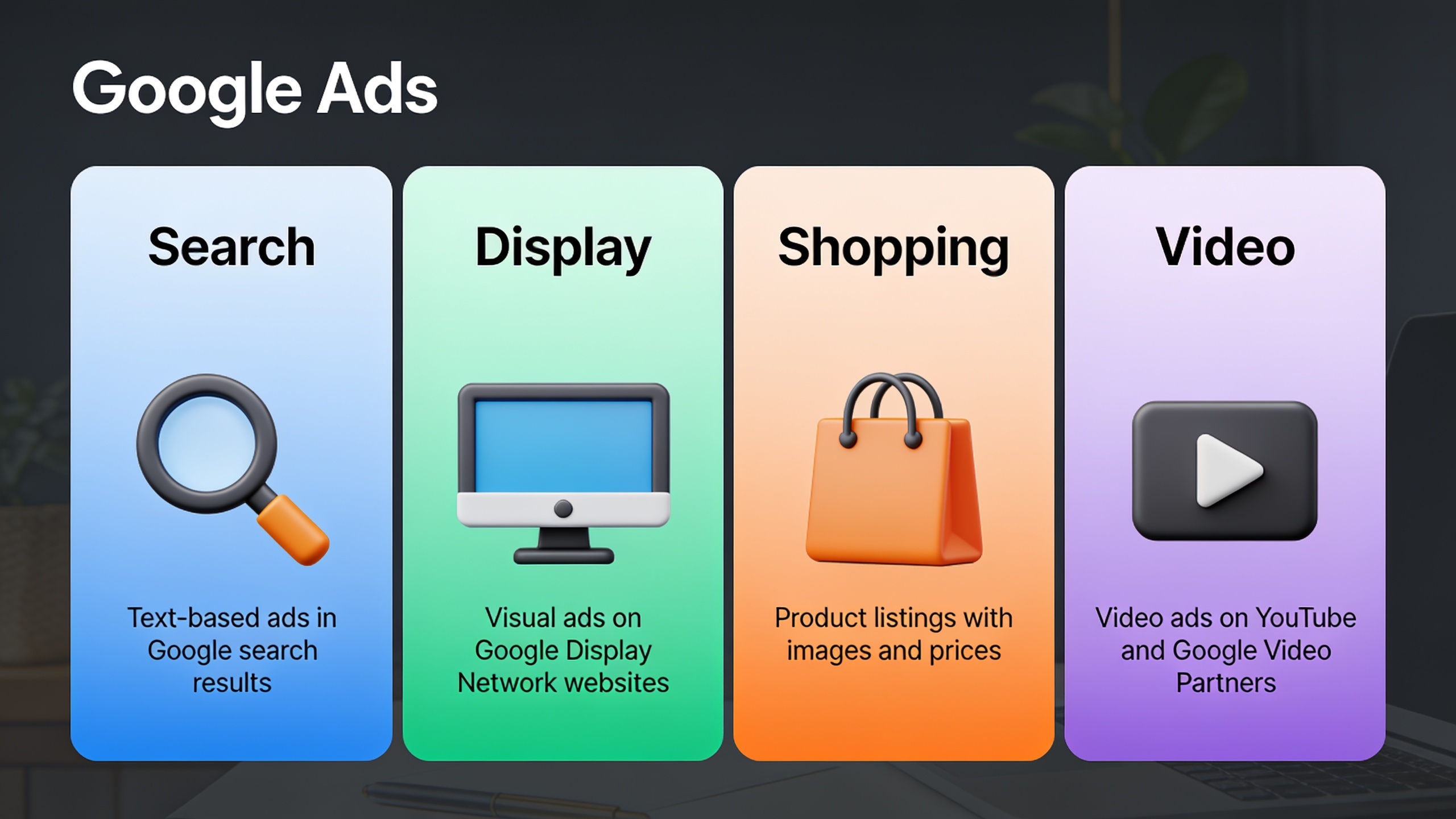
The type you pick decides where your ads live.
Search
Text ads on the results page. Catches people mid-intent, and shows you exactly which queries trigger your ad.
Display
Visual banners across Google’s partner network. A brand play, not a “buy now” play.
Shopping
Product image, price, and store name right in results — needs a product feed.
YouTube
Runs across YouTube inventory. Built for reach and storytelling, not clicks alone.
Performance Max
Automated placement everywhere via machine learning. Powerful once you have conversion history — skip it for campaign one.
Step 3 — Target the right audience and location
Location targeting boxes your ads into a city, region, country, or radius — for local businesses, this is everything. A plumber in Ohio has no reason to pay for a click from California. You can exclude locations and choose whether you’re targeting people physically present, people showing interest, or both. Layer on demographics and audience segments — age, household income, in-market shoppers — once the basics are set.
Step 4 — Set budget and bidding strategy
Your budget is an average daily amount, not a hard ceiling — Google can spend up to twice it on a busy day, but won’t exceed roughly 30.4× your daily budget across a month. Most beginners start with Maximize Clicks to gather data, then shift to Maximize Conversions or Target CPA once they’ve logged 15–30 conversions — the point where the algorithm has enough signal to optimize properly.
Choosing keywords that actually convert
Keyword selection means finding the exact words your ideal customer types when they’re ready to buy, learn, or compare — then bidding on those while blocking the junk with negative keywords. This is likely the single biggest lever between a profitable campaign and a money pit.
Start with the free Keyword Planner under Tools & Settings. Enter a broad term — “web hosting,” “dog grooming” — and it returns related terms with search volume and competitiveness. Chase commercial intent: words like “buy,” “near me,” “price,” “cost,” or “service” convert far better than “what is.”
Match types, side by side
| Match type | Syntax | How it behaves | Best for |
|---|---|---|---|
| Broad Match | web hosting | Shows for related searches, even without the exact words | Awareness, paired with a strong negative list |
| Phrase Match | “web hosting” | Shows for searches containing the phrase or a close variant | Balancing reach with relevance |
| Exact Match | [web hosting] | Shows only for searches matching that meaning | Tight control, highest relevance |
| Negative Keyword | -free | Excludes any search containing that word | Filtering unqualified traffic |
Lean on Phrase and Exact Match early. Broad Match can drain a budget fast on loosely related searches before you’ve built a solid negative list — like leaving the tap running.
Beyond volume, Keyword Planner shows a “top of page bid” range, so you know the real cost before committing. It’s worth searching your target terms yourself and noting who keeps showing up — repetition is a strong signal of what’s actually working in that market.
How much should you actually budget?
There’s no universal number, but for most small businesses running local Search campaigns, $500–$1,500 a month is a sane starting point. The average CPC across all industries on the Search Network sits around $2.69 — though legal and insurance keywords can clear $6–$9 a click, while retail often stays under $1.50.
Rough formula: decide how many leads or sales you want per month, multiply by your industry’s average CPC, then multiply again by an estimated clicks-per-conversion ratio — often 20 to 50 for a brand-new, unoptimized campaign.
| Business type | Typical monthly budget | Average CPC range | Notes |
|---|---|---|---|
| Local service (plumber, salon) | $500–$1,000 | $2–$6 | Location targeting keeps costs contained |
| Ecommerce store | $1,000–$3,000 | $0.50–$1.50 | Shopping campaigns often beat Search alone |
| B2B / SaaS | $2,000–$5,000+ | $3–$9 | Longer cycles need early conversion tracking |
| Legal, insurance, finance | $3,000–$10,000+ | $6–$12+ | Fierce competition; Quality Score is critical |
These are starting points, not promises. Real performance hinges on Quality Score, ad copy, and how well the landing page converts. Check spend weekly for the first month — don’t set it and wander off.
Writing ad copy that converts
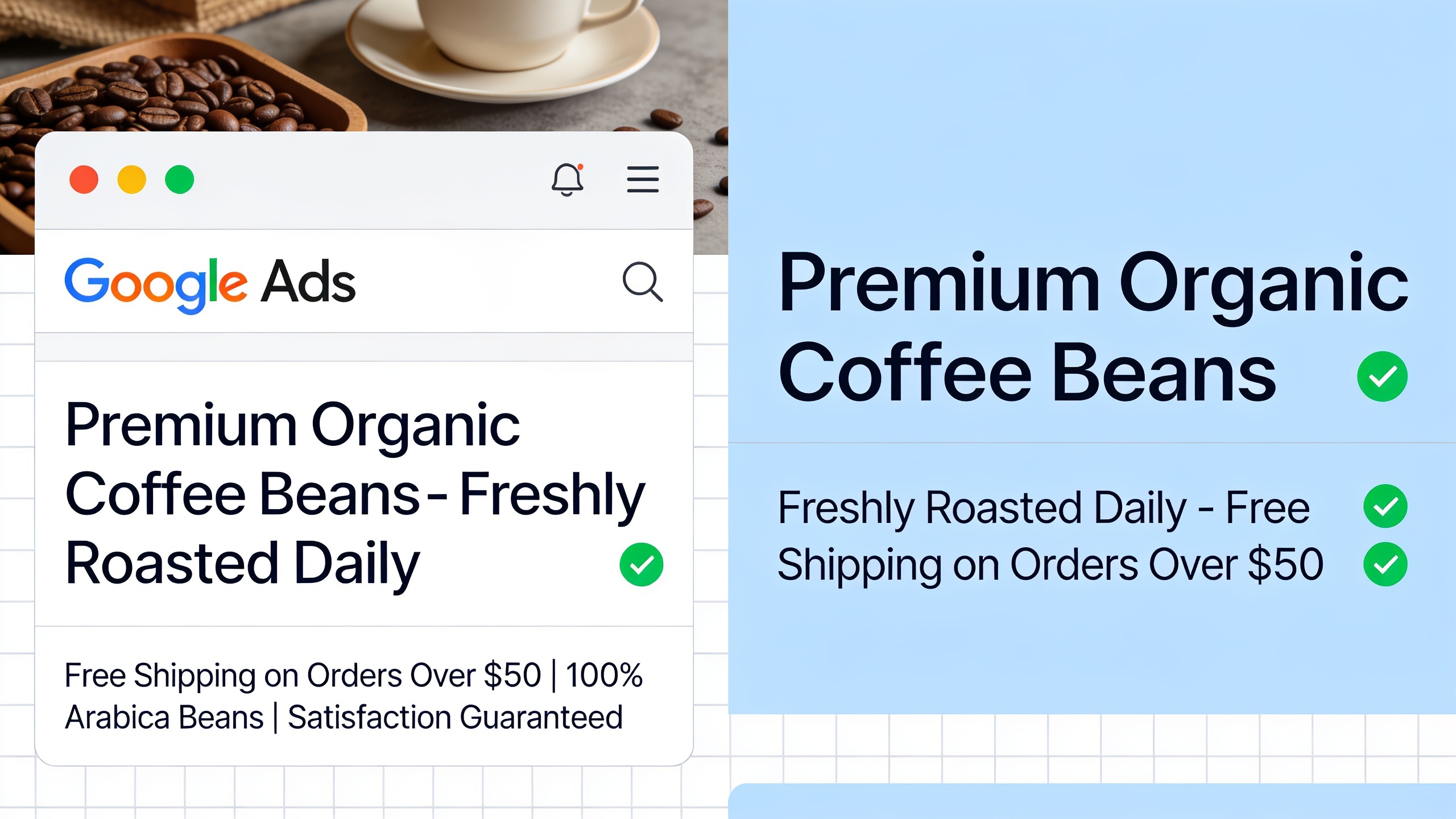
Good copy speaks straight to what the person searched, gives one clear call to action, and lands a specific benefit in the first line — Google often truncates everything after the top headline. Responsive Search Ads ask for up to 15 headlines and 4 descriptions, then auto-test the winning combinations.
The common mistake: 15 headlines that all say the same thing. Cover distinct angles instead — one on price, one on urgency, one on trust, one with the target keyword baked in. Google’s Ad Strength meter grades variety and keyword use; aim for at least “Good” before publishing.
Ad extensions (now called “assets”)
Sitelinks, call buttons, location info, price listings, and promotion callouts sit under your main ad at no extra cost, and they usually lift click-through rate. Since most searches now happen on mobile, check how your extensions and copy actually render on smaller screens before launch.
Conversion tracking and landing pages
Conversion tracking is a snippet that pings Google Ads whenever someone does something valuable — a purchase, a form fill, a call. Without it you’re flying blind: no way to tell which keywords make money versus quietly bleed it. Set this up before launch, or the moment you do — data before tracking exists is gone for good.
In Google Ads: Tools & Settings → Conversions, pick a source, then drop in the Google tag manually or connect through Google Tag Manager. Most website builders integrate directly — usually a 10–15 minute job.
The landing page is as important as the advertisement
It should load in under three seconds, match the ad’s promise exactly, and carry one obvious call to action above the fold. Never point ad traffic at a generic homepage and hope for the best.
Common mistakes beginners make
Running Broad Match with no negative list, ignoring the search terms report, sending traffic to irrelevant pages, and killing campaigns before the algorithm has data to learn from. Every one is easy to fix once you know to look.
- ✕Skipping the weekly Search Terms report (Keywords → Search Terms) — this is where you catch the weird, irrelevant matches worth blocking.
- ✕Shutting a campaign down after two “bad” days instead of giving it two to three weeks and 15–30 conversions to settle.
- ✕Treating paid search as a bubble instead of pairing it with organic SEO — the two together tend to lower cost per acquisition over time.
Frequently asked questions
Is Google Ads worth it on a tiny budget? +
Usually — as long as it’s kept tight on location, keyword match type, and a specific, measurable goal. Even $500–$800 a month can pull real leads for a local business with negative keywords and accurate tracking in place. The risk was never a small budget; it’s an untargeted campaign burning through it.
How long before I see results? +
Most campaigns need two to four weeks to climb out of Google’s learning phase, though clicks can appear within hours of approval. Reliable conversion data usually needs 15–30 recorded conversions before you can judge performance or safely adjust bidding.
Google Ads vs. SEO — what’s the real difference? +
Ads buy instant visibility for exactly as long as you keep paying. SEO builds organic rankings that take longer to earn but keep sending traffic without ongoing spend. The strongest strategies run both.
Do I need a website to run ads? +
In almost every case, yes — Google requires a functional landing page for Search, Display, and Shopping campaigns. The one exception is call-only ad formats, which send people straight to a phone call.
Can I run this myself, without an agency? +
Yes — the platform is built for DIY. Once monthly spend creeps past a few thousand or you’re juggling multiple campaigns, a specialist can help avoid expensive targeting mistakes and free up your time.